Incident Report · free template
During an incident. Keep the whole picture.
Who is affected? What has stopped? Which decision is needed now? One working record brings your information together, from the first observation to effective improvement.
Free by email.
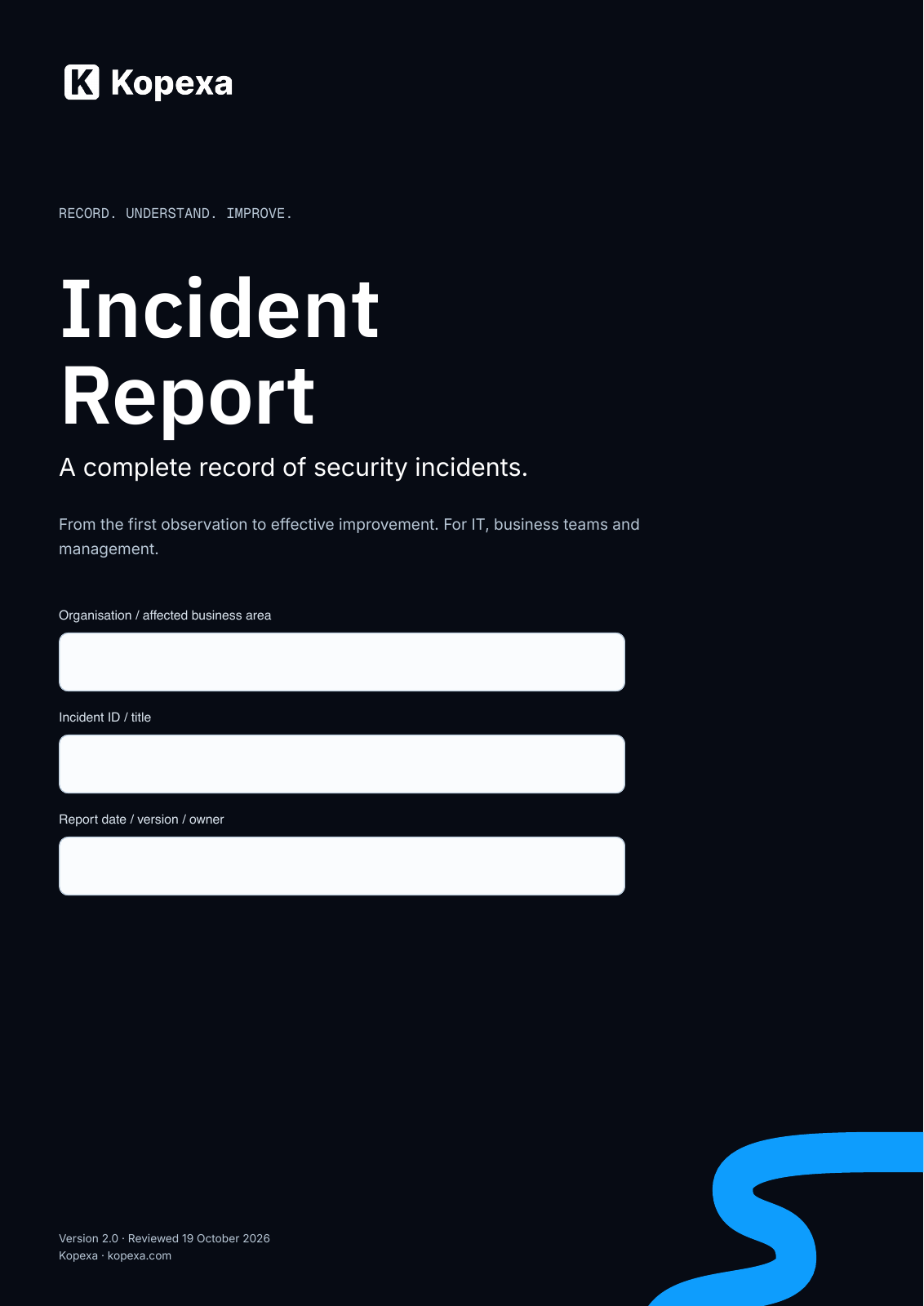 25 pages · fillable PDF · German & English
Request your free Incident Report.
25 pages. 252 fillable fields. For your team.
Please do not enter confidential incident details here.
A shared picture. Instead of disconnected answers.
The report connects the questions that matter during an incident. IT, business teams and management can work from the same record.
Understand the situation
Record affected systems, individuals and business processes. Separate confirmed facts from assumptions and open questions.
Support decisions
Bring together operational impact, costs, evidence and response actions. Record owners and next steps.
Learn from the incident
Investigate causes, review safeguards and track improvements with deadlines and effectiveness criteria.
Inside the document
See what your team will work with.
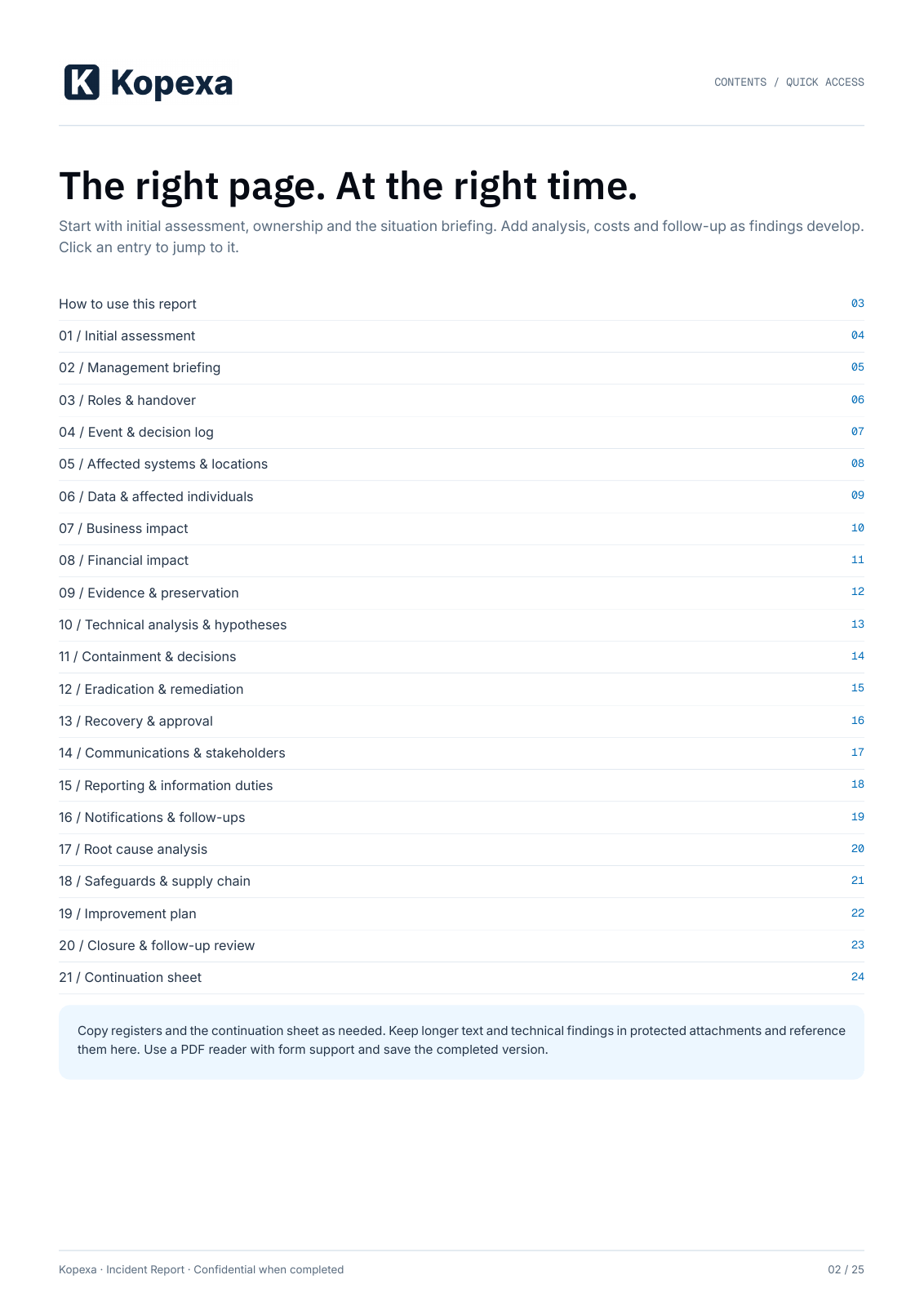
The contents page shows the structure and topics covered. Request the template by email to receive all 25 pages and 252 fillable fields.
Page 2 of 25
Start small when it matters. Add detail as you learn.
- 1
Begin with initial assessment
Record the observation, time and owners. Mark unknown information as unresolved.
- 2
Complete the relevant modules
Build the situation picture, evidence and assessment as findings emerge. Continue registers in attachments as needed.
- 3
Follow through on actions
Document causes, remaining tasks and approvals. Check whether improvements work.
A few things to know before downloading.
- How do I get the template?
- Enter your name, company and email address. Your download link for the complete, fillable PDF arrives directly by email. No Kopexa account or newsletter subscription is required.
- How do I complete the report?
- Download the PDF and open it in a PDF reader that supports forms. Its 252 fields can be completed and saved digitally. You can also print the worksheets. You do not need to enter incident details on this website.
- Do we need to complete every page immediately?
- No. Begin with initial assessment, ownership and the situation briefing. Complete relevant modules progressively. Assign an owner and clarification deadline to open questions.
- Does this replace an official notification?
- No. It records your internal response and helps assemble information for notifications. Required notifications must be submitted separately through the applicable reporting channel.
From a record to action
The next action should not stay inside a PDF.
Kopexa links risks, measures, tasks and evidence. Talk to us about following through on incident findings within your ISMS.
Preparing the process before an incident? Review your preparedness with the NIS2 Incident Response Checklist.
Read about NIS2 reporting duties