Measure · ISO 27001 and other standards
Assess and address technical vulnerabilities
Match vulnerabilities to current systems, decide their urgency and check that remediation works. Maintain the history in the existing record.
Reuse existing records
Reuse the inventory, vendor advisories, suitable assessment tools and existing operational, change or incident records. The same record can hold the report, assessment, action and result; a separate vulnerability spreadsheet is not inherently necessary.
What to do
- 1
Check exposure against the component inventory
Match a vendor advisory, scan or other suitable report to the products and versions actually in use. Use the existing inventory with location and ownership; include libraries and external components. Authorise technical tests and plan them to avoid unnecessary service disruption. For your own products, provide an accessible route for receiving external vulnerability reports.
- 2
Decide urgency and treatment
Consider technical severity together with actual exposure, protection needs, possible exploitation and existing controls. Decide remediation, ownership and an appropriate response time under your procedure. For cloud services, establish which tasks the provider and customer actually perform.
- 3
Implement remediation under control
Use updates from legitimate sources and the leading change procedure. Consider operational effects and a suitable fallback in advance. If no suitable update exists, reduce risk through measures such as disabling affected functions, shielding them or increasing monitoring. Record this interim decision, residual risk and next review in the existing case.
- 4
Verify effectiveness and maintain the record
After implementation, check the affected version or function using suitable evidence. A successful installation job does not always demonstrate remediation. Update results, remaining risks and open next steps. Where there are signs of an attack, use the existing incident process. Adjust sources and checks when the inventory changes.
Worked example
The vendor patch cannot be deployed immediately
An accessible service uses an affected library. The available update requires a change that has not yet been checked. This example is fictional.
- Vulnerable function
- DecisionOperations confirms the affected version and limits the accessible functionality as an interim measure. The responsible role decides the residual risk and further treatment date. After the tested update, remediation is checked again.
- EvidenceThe existing change record contains the report, exposure, decision, interim measure and final check.
Record the result
- Existing component inventory and suitable reports or assessment results.
- Existing case with exposure, priority, decision, ownership and response time.
- Implemented change with its result check; necessary interim measures and remaining work stay traceable.
Common implementation mistakes
Treat a fixed number of days as an ISO deadline
Determine an appropriate response from actual risk and any additional applicable requirements.
Close at the patch request
Check actual effectiveness and address outstanding or unsuccessful remediation.
Run every scan without restrictions
Authorisation, scope and operational effects must be established before suitable tests.
Reuse the implementation across requirements
The references below show which requirements the measure contributes to.
View controls and standards
- A.8.8 · Management von technischen SchwachstellenGerman guide
The workflow connects suitable vulnerability information to actual inventory and risk, appropriate remediation and result checking. It does not replace technical assessment or remediation on the system.
TISAX · 5.2.5
VDA ISA 6.0.3 · Partial overlap
Reports, inventory matching, assessment, patch treatment and result checking support this ISA question. Actual systems, technical measures and additional requirements must be addressed operationally.
Reference
Templates for your implementation
Template
Reuse operational vulnerability rules
Bring operational rules together and connect existing inventories, work instructions and recovery plans. Includes explained fields and an editing guide.
Free ZIP · DOCX, ODT and PDF · with editing guidance
Template
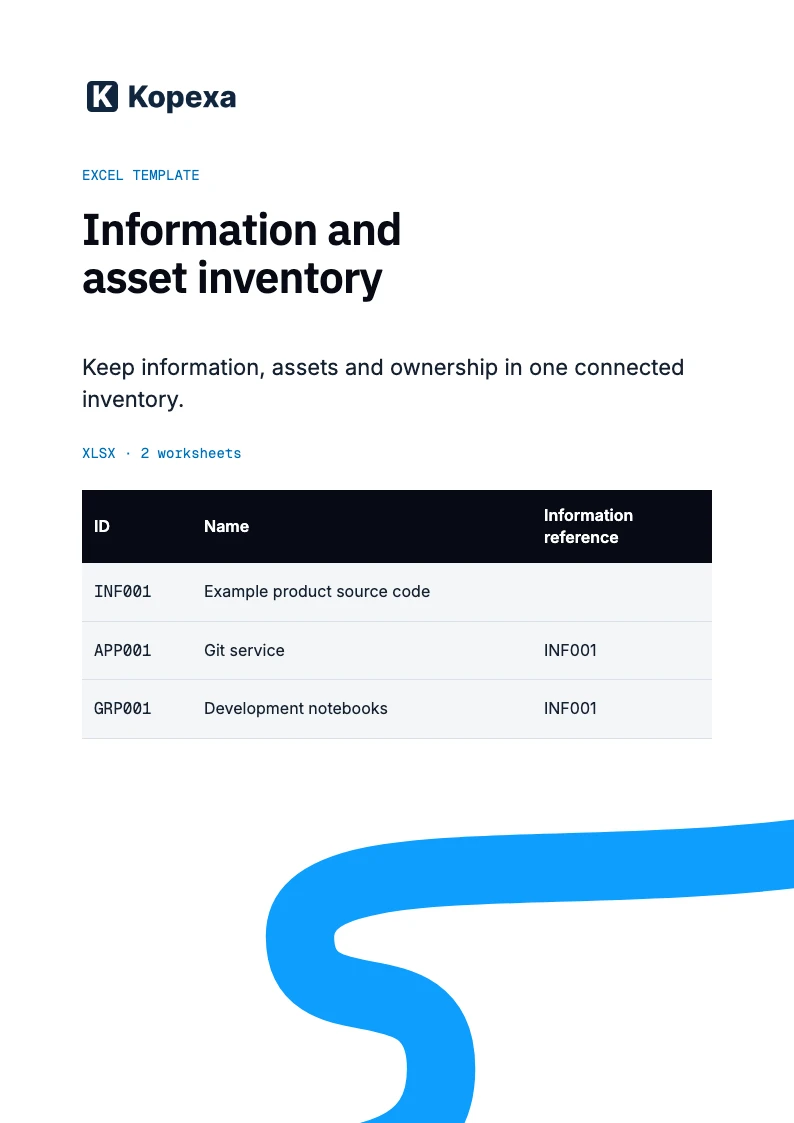
Use the Excel component inventory
Use one inventory or connect existing records. The template brings information, associated assets and ownership together with short maintenance instructions.
Free XLSX · 2 sheets · instructions and example
Template
Reuse the change procedure
Use your existing change request or development record. The template guides requirements, testing and controlled implementation, including test information and urgent changes.
Free ZIP · DOCX, ODT and PDF · editing instructions included
Related resources
Kopexa
Track open remediation in KopexaExplore featureConnect owners, dates and the relevant business context.