Measure · ISO 27001 and other standards
Return and hand over assets in an orderly way
Connect returns and handovers to your existing role-change or departure record. Cover devices and documents as well as work information, operational knowledge and business data on personal devices.
Reuse existing records
Reuse the existing change or departure record and asset-issue or inventory records. The inventory template helps where suitable records are missing; an asset owner is not necessarily the person holding the device. No new return policy, spreadsheet or receipt for every asset is needed.
What to do
- 1
Agree the scope and recipients
Open the existing change or departure record for the person or external party. Reconcile issued devices, storage media, keys, tokens and documents with what they actually hold. Name the recipients and agree any necessary dates. Record which work information and operational knowledge will still be needed.
- 2
Return assets and hand over information
Hand over assets, necessary information and documented operational knowledge to the authorised recipients. For personal or purchased former company devices, identify business data and arrange its transfer and secure removal under your deletion procedure. Consider suitable protection against unauthorised copying during the notice period and afterwards. Coordinate the separate withdrawal of access rights with IT.
- 3
Track results and missing returns
Use the same record to show what was actually received and what is still missing. Assign a responsible person and necessary follow-up work for outstanding returns. Use the existing reporting channel for loss or suspected issues. Update inventory status or assignment based on the actual result and close the case with a traceable state.
Worked example
A departure leaves a notebook and operational knowledge outstanding
An employee leaves the company. Her issued notebook has not yet been returned, and the team also needs her knowledge of operating a customer service.
- Notebook
- DecisionThe responsible person establishes its whereabouts and return arrangements. The return remains open until it is actually received. IT handles access rights that are no longer needed separately.
- EvidenceThe existing departure record contains the asset reference, responsibility and open status; actual receipt is added there later.
- Operational knowledge
- DecisionThe employee documents the necessary operational information and hands it over to the named deputy in the approved location.
- EvidenceThe departure record links to the information handed over and identifies its actual recipient.
Record the result
- The existing change or departure record connects the person or party, assets to be returned, recipients and actual result. Open items remain visible with responsibility and follow-up work.
- Necessary information and knowledge transfers and, where relevant, secure removal of business data are traceable in the same record or linked existing evidence.
Common implementation mistakes
Demanding the return of personal devices
Identify the business information on the device. Use the agreed transfer and secure removal procedure without assuming authority to take back or fully wipe a personal device remotely.
Confusing asset return with access withdrawal
Returning a notebook does not disable an account. Coordinate the separate withdrawal of access rights that are no longer needed and verify that it actually happened.
Reuse the implementation across requirements
The references below show which requirements the measure contributes to.
View controls and standards
- A.5.11 · Rückgabe von VermögenswertenGerman guide
The workflow connects asset return, information and knowledge handover, special device situations and open follow-up work to the existing change record. Actual execution and suitable protection remain necessary.
TISAX · 3.1.3
VDA ISA 6.0.3 · Partial overlap
Return and handling of the affected supporting assets contribute to the lifecycle process. This does not cover all further requirements for transport, storage, repair, loss, disposal and particular protection needs.
Reference
Templates for your implementation
Template
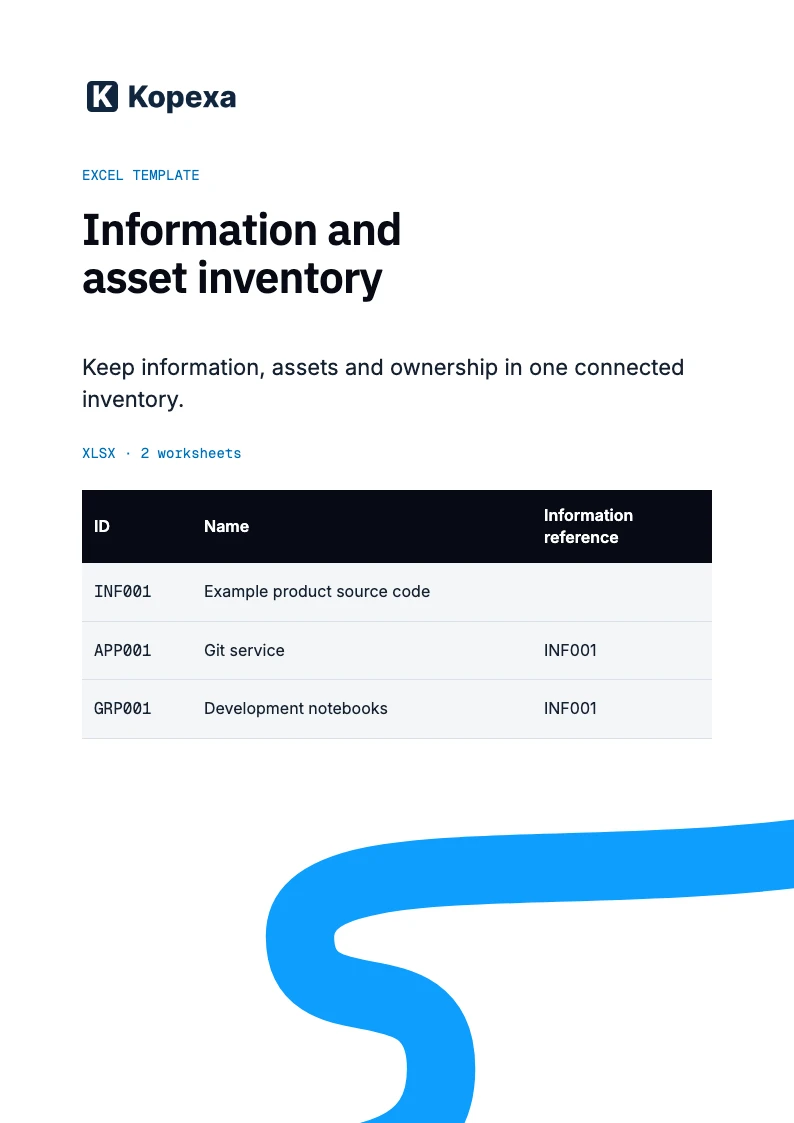
Information and asset inventory template
Use one inventory or connect existing records. The template brings information, associated assets and ownership together with short maintenance instructions.
Free XLSX · 2 sheets · instructions and example
Template
Working securely as the authoritative user rules
An employee information security policy for using devices, information and accounts securely. Ready to adapt to your organisation.
Free ZIP · DOCX, ODT and PDF · with editing instructions
Template
Protect information and hand it over to authorised recipients
One policy for information classes, labelling and handling. With fields and an example classification scheme to adapt to your organisation.
Free ZIP · DOCX, ODT and PDF · with editing instructions
Related resources
Related measure
Review and clean up access rights separatelyView measureCompare effective rights with remaining duties and verify the executed changes in the target system.
Kopexa
Connect information and assets in KopexaExplore featureMaintain the connected inventory with responsible people and related work records.