Guide
Create a record of processing activities: example and Excel template
Build your ROPA with a worked example and Excel template. Clarify purposes, data, recipients and safeguards, and keep changes traceable.
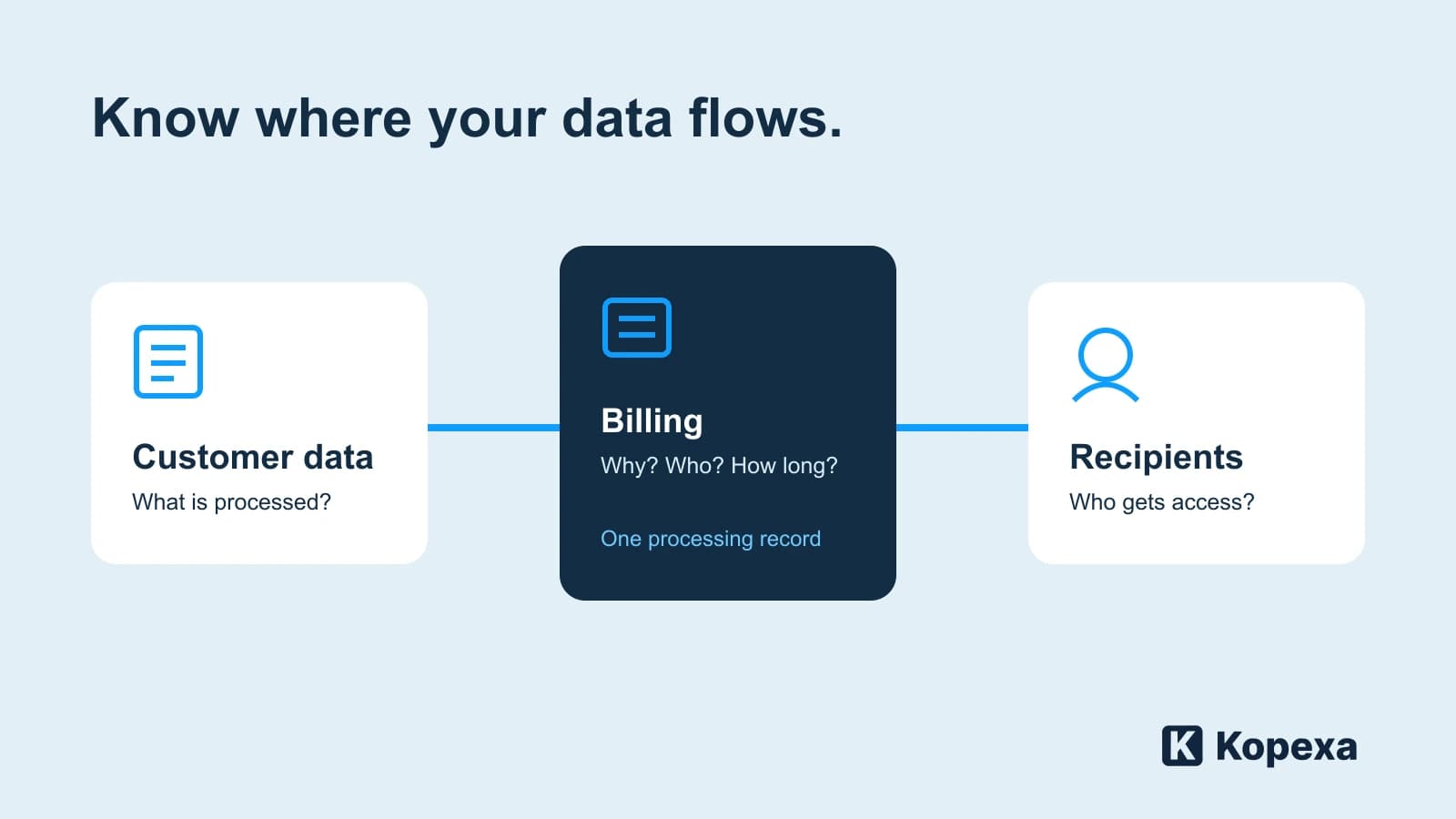

Finance switches its accounting system. Invoices now sit with a different provider, and support staff access them from another country. Who knows which data is affected and which rules need to change?
A useful record of processing activities answers these questions. It connects a process's purpose with the data, recipients and safeguards involved. This guide uses customer billing to show how to build an entry and keep it current. The Excel template helps you start with your own process.
TL;DR: What is a record of processing activities?
- A record of processing activities (ROPA) documents how an organisation processes personal data. Article 30 GDPR specifies the required information.
- Start with a purpose, not a tool. “Handling job applications” describes an activity. “Microsoft 365” initially describes only a system used.
- Controllers and processors maintain different records. Our Excel template is for controllers under Article 30(1).
- A completed record needs maintenance. New purposes, recipients, providers or data categories trigger a review.
From an empty sheet to your first useful entry
Choose a process your team knows: customer billing, personnel administration or recruitment. Work with the people involved to establish what information they need and where it goes. You can then obtain missing details deliberately.
The template guides these decisions. Enter organisation details once, describe activities and see which entries still need information or review. A worked example shows how an unanswered question becomes a concrete next step. The downloadable workbook is in German.
What counts as a processing activity?
A processing activity describes a connected operation involving personal data and a particular purpose. An organisation may use several systems for it. Conversely, the same system may support several activities.
| Too vague | Useful starting point | What it helps you establish |
|---|---|---|
| “HR” | Handling job applications | Which applicant data do you need before the decision and afterwards? |
| “CRM” | Handling customer enquiries | Who receives contact details and conversations to answer an enquiry? |
| “Finance” | Issuing invoices and allocating payments | Which billing and payment data goes to which recipients? |
| “Newsletter tool” | Sending newsletters to subscribers | What does the provider use and how does unsubscribing work? |
The right level of detail depends on the process. Do not combine everything simply because it sits in one tool. Different purposes may require separate entries. The DSK guidance on processing records explains this purpose-based distinction.
A data inventory and ROPA complement each other. The inventory identifies data categories and storage locations. The processing record adds context: why the data is used, whose data it is and who receives it. Our guide to sensitive data and classification prepares this inventory.
Who needs to maintain a record?
Article 30 distinguishes two roles:
The obligation generally concerns businesses, independent professionals, associations and other controllers, as well as processors. A processing record is not a task that starts only at a particular company size. The activities themselves matter too.
- Controller: You decide the purposes and means of processing. An employer is typically the controller for its own HR activities.
- Processor: You process personal data on a controller's behalf. Paragraph 2 specifies the information for these activities.
An organisation can have both roles. An IT provider manages its own employees while processing customer data on behalf of clients. Do not combine those perspectives indiscriminately. The Berlin supervisory authority therefore provides separate templates for both roles.
Does the exception for fewer than 250 employees apply?
Having fewer than 250 employees is not sufficient on its own. Under Article 30(5), the exception does not apply, among other cases, where processing is not occasional, is likely to pose a risk to people's rights and freedoms, or includes Article 9 or 10 data. Regular personnel processing cannot simply be ignored because the team is small.
Check the conditions for your activities. Applicable law matters, rather than an announced reform or an assumed blanket exemption for SMEs. This guide reflects the legal position checked on 31 October 2026.
For organisations with fewer than 250 employees, one trigger is enough: processing that is not occasional, a risk to rights and freedoms, or Article 9 or 10 data. The high-risk threshold associated with a DPIA is not required here. The German Data Protection Conference explains the exception.
Do medical practices need a processing record too?
Yes. Even a small solo practice regularly processes health data and needs a record. Medical confidentiality and a small workforce do not provide an exemption. The Bavarian Medical Association confirms this requirement for medical practices.
Typical activities include patient registration, treatment documentation and billing. Include personnel administration and online appointment booking where used in the inventory. The record describes these operations and data categories; it does not contain individual patients' diagnoses.
Not having to appoint a data protection officer does not mean being exempt from maintaining a record. These are separate obligations with different conditions.
When must the record be in place?
Once you carry out an activity subject to the recording obligation, you must be able to document it in your record. Waiting for an inspection or incident is too late. Plan the entry before starting a new activity and maintain it as operations change. The record is held internally and provided to the supervisory authority on request; it does not need routine publication or submission.
What information belongs in the record?
Article 30(1) lists the following information for controllers. Qualifications such as “where applicable” and “where possible” matter. A documented conclusion is more useful than an unexplained empty cell.
| Information | What to record |
|---|---|
| Controller and contacts | Name and contact details; joint controllers, representative and data protection officer where applicable |
| Purposes | Why you process the data |
| People affected | Categories such as employees, applicants or customers |
| Personal data | Categories used, rather than a list of individual people |
| Recipients | Categories of recipients, including those in third countries or international organisations |
| International transfers | The country or international organisation concerned; documentation of suitable safeguards in the case of Article 49(1), second subparagraph |
| Erasure deadlines | Envisaged time limits for different data categories, where possible |
| Safeguards | A general description of technical and organisational measures under Article 32(1), where possible |
Useful additions are not automatically mandatory ROPA fields. Legal bases, systems, process owners, information assets and review dates make the record easier to use. The template separates operational additions from the core activity description. You must know and assess the legal basis regardless of whether it is expressly listed as a record field.
For international transfers, documenting the relevant transfer mechanism and its assessment is useful beyond the minimum record. Naming a country does not establish that a transfer is lawful. EU hosting does not automatically rule out access from third countries.
A completed processing-record example
Consider billing at a service business whose customers include self-employed individuals. Finance issues invoices and allocates payments. A tax adviser receives the documents needed for their work.
| Field | Example entry | Decision behind it |
|---|---|---|
| Activity | Invoicing and allocating incoming payments | The purpose makes the operation recognisable. |
| Purposes | Billing services, allocating payments, statutory retention | Both operations and retention are considered. |
| People | Self-employed customers and contacts at corporate customers | Describe groups of people. |
| Data | Names, contact details, invoice lines, payment status and necessary bank details | Use the actual content; do not indiscriminately collect more. |
| Recipients | Finance, tax adviser, payment provider and relevant authorities where required | Disclosure follows a task. |
| Transfers | No third-country transfer after assessment in this example | Check hosting, subprocessors and support access. |
| Erasure | Deadlines and start points by document type in the retention plan; remove working copies once their purpose ends | A single deadline for all data would be too broad. |
| Safeguards | Role-based access, strong authentication, secure transmission, backups; reference to the safeguards concept | Assign measures concretely. |
The workbook develops this case further. Its retention review is explicitly still open: the finance lead must establish the relevant document types, rules and starting points. That is a realistic working state. An unchecked number would merely create the appearance of completeness.
National requirements differ between Germany and Austria, including some retention rules. Reuse the structure and decision questions, rather than copying deadlines from someone else's example.
Five steps to create your record
1. Define the process together
Ask the responsible department to explain an actual transaction. Where does it start, what decision is made and when does the use of data end? Speak to finance about billing and HR about recruitment. A software list prepared solely by IT does not answer these questions.
2. Identify data and recipients along the process
Follow the data from collection to erasure. Include exports, email, paper and providers. At each handover, ask whether the recipient needs all the information or only part of it.
Use existing information assets and classification as a starting point. Health data, bank details and public contact information require different decisions. The classification template in our sensitive-data guide supports this preparation.
3. Connect rules to evidence
Reference the relevant retention plan and safeguards. A generic statement such as “privacy is respected” explains nothing. A specific reference to a current concept avoids duplicate documentation. Check whether the process needs additional details.
4. Assign unanswered questions to a person
“To be clarified” needs a next step. Who checks the provider's support access? Who confirms retention periods? Record responsibility, deadline and outcome. The workbook's status highlights missing information or pending review; it does not replace a substantive assessment.
5. Update entries when things change
A scheduled review supports maintenance. Also include ROPA checks in process and system changes. That way, new recipients do not first come to light during a GDPR access request.
What changes when you adopt a new tool?
An accounting-system migration may leave the purpose and people unchanged. Yet several parts of the entry can become outdated.
| Change | Check in the record | Roles involved |
|---|---|---|
| New provider | Recipients and processing on behalf of the controller where applicable | Procurement, privacy, department |
| Support from another country | International transfers and documentation | Privacy and IT |
| New sales interface | Data scope, recipients and purpose | Finance and sales |
| Different exports or backups | Storage, erasure and safeguards | IT and process owner |
| Broader service scope | New categories or additional purposes | Department and privacy |
The record becomes a working basis for changes. Privacy and information security can use shared information. Our ISO 27001 and privacy guide explains how these disciplines work together.
Must privacy, procurement and security maintain duplicate information?
No. You need different assessments, not three copies of the same information. A provider is still the same provider even when procurement, privacy and security ask different questions.
| Team | Its question | Shared information |
|---|---|---|
| Procurement | What service are we buying and who owns it? | Supplier, contacts, scope and contractual documents |
| Privacy | Which personal data does the provider receive and why? | Process, data categories, recipients, locations and processing arrangements |
| Security | What dependencies and risks arise? | Information assets, affected systems, safeguards and supplier evidence |
For example, you introduce an online appointment provider. Procurement records the supplier. The department describes the workflow. Privacy assesses processing and transfers; security examines access and safeguards. Information about hosting, subprocessors and security measures is reused instead of asking the provider the same questions three times.
Even with Excel, you can reduce duplication: assign unique supplier, process and information-asset IDs and reference the authoritative documents. Changes then need an owner who reviews affected entries.
Kopexa brings this work together in one platform: processing records, processes, information assets and supplier management. Vendor surveys collect the information you need from providers. Teams use it for their respective assessments. An answer about backups can support both privacy and security reviews.
The benefit: fewer repeated requests, fewer conflicting lists and a traceable connection between provider, data and process. Decisions remain with the responsible teams; each team no longer needs to rebuild the information base.
Your record is ready. Connect it to your processes.
The template lets you build your own record. When several teams describe the same processes, data and systems, ongoing coordination becomes the next task.
In Kopexa, you connect processing activities, processes and information assets. That makes it traceable which information belongs to which workflow. When things change, you can use those connections instead of reconstructing them from separate lists.
Bring a process from your workbook. In a personal demo, we will show you the connections in Kopexa. You can then try your workflow during a two-week guided trial.
Quick answers
Frequently Asked Questions
Still have a question? Find the answers here.
Can I maintain the record in Excel?
Yes. Article 30(3) allows electronic form. Appropriate information, traceable maintenance and availability to the supervisory authority on request matter. Agree who maintains the master file, how versions are secured and where referenced documents live.
Does every tool need its own entry?
Not automatically. The processing activity is the starting point. An application can pass through a portal, mailbox and HR system. Describe the connections and examine different purposes instead of turning every tool name into an entry.
Who is responsible for the record?
The controller or processor is responsible for its respective record. Departments contribute process knowledge; data protection officers can advise and monitor. Maintenance should not depend on one person knowing every workflow by heart.
How often must it be updated?
Article 30 does not prescribe a general annual interval. Set a review appropriate to your processes and check changes as they occur. An annually confirmed entry helps little if new recipients have accessed data for months.
Does the record replace a data processing agreement?
No. The record documents activities. A contract required under Article 28 governs processing on behalf of a controller. References connect the documents; they do not make them interchangeable.
Sources
- General Data Protection Regulation: Article 30 — European Union [Accessed ]
- Guidance on records of processing activities (German) — German Data Protection Conference [Accessed ]
- Records of processing activities: guidance and templates (German) — Berlin Commissioner for Data Protection and Freedom of Information [Accessed ]