News
GitLab security update: More than a patch to your development platform
A critical GitLab vulnerability requires a verified update and a review of the release path. Check versions, credentials, runners and remaining incident questions.

If you operate GitLab yourselves, check the current security update immediately. A development platform is more than a Git server: availability, release permissions and technical dependencies come together there.
Source information as of 23 October 2026. This article distinguishes the published vulnerability from recommendations for your own environment. A vulnerability disclosure alone is not evidence that your organisation has been breached.
Which vulnerability GitLab describes
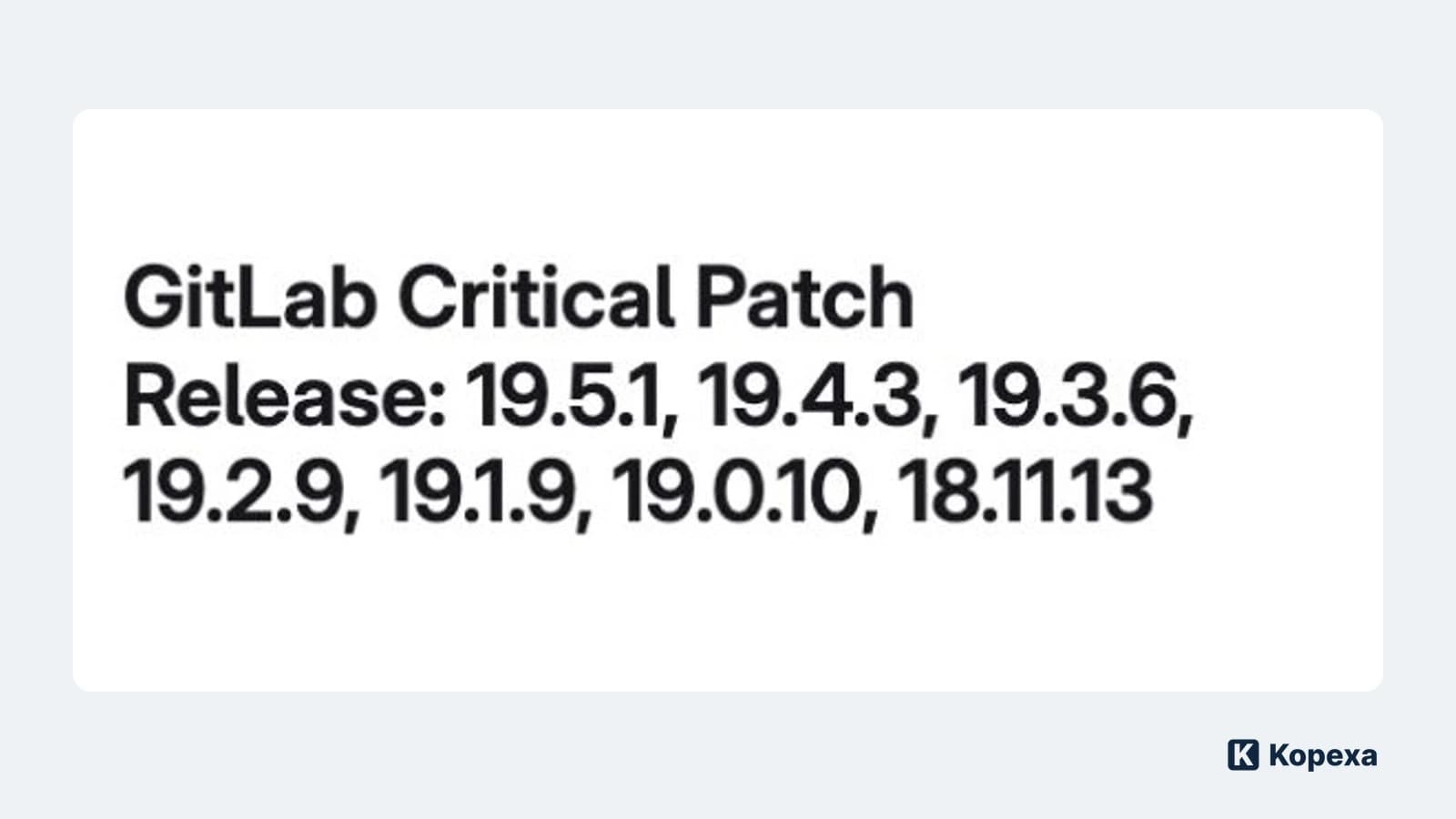
On 21 October, GitLab published security releases 19.5.1, 19.4.3, 19.3.6, 19.2.9, 19.1.9, 19.0.10 and 18.11.13 for Community Edition and Enterprise Edition. The advisory calls on self-managed customers to upgrade immediately. GitLab.com has already been patched; the advisory separately describes the protected GitLab Dedicated versions.
CVE-2026-110264 concerns an integer overflow in the regular expression compiler. Under certain conditions, it can allow unauthenticated remote code execution. GitLab assigns a CVSS score of 10.0. Use the advisory to check the affected version ranges and the release appropriate to your installation. GitLab’s original security announcement
Hero image: excerpt from the original English GitLab announcement, captured on 23 October 2026. The Kopexa logo identifies our editorial analysis.
A published vulnerability is not proof of a compromise. It does require a decision about exposure and the time available to act.
1. Identify the version actually running
Start with the deployed version and deployment model. A new image in the registry does not prove that every instance has been updated. Compare the installation against the advisory and record when you checked it.
Include old test environments, servers inherited through acquisitions and installations operated by external partners. A system called “test” can still contain production credentials. Establish its actual accessibility, data and access rights.
For every installation, record the version, reachability and responsible operator. An unknown version is unresolved work with an owner, rather than a reason to assume the system is unaffected.
2. Verify the upgrade and recovery path
Follow the supported upgrade path. Check your backup and rollback arrangements before a database migration. Starting an older container image may not reverse changes to the database.
GitLab’s release notes highlight migration and downtime considerations. A single-node installation may require a maintenance window; multi-node zero-downtime procedures have their own prerequisites. Important notes on upgrading
If an immediate upgrade is impossible, an authorised person needs to decide on temporary safeguards, such as restricting access, and set a prompt review date. These safeguards do not fix the vulnerability. The need for a planned recovery path also appears in the PHP2Shell case involving legacy systems.
3. Keep a separate path for incident investigation
Use the detection guidance linked by GitLab and review the relevant logs and period of exposure. Missing logs do not provide an all-clear. If you identify suspicious activity, follow your incident response process.
Preserve evidence, contain the incident and investigate it. Installing the patch does not answer what may have happened beforehand. Alongside the technical investigation, ask three architectural questions:
- Which target systems can your runners reach?
- Which deployment credentials and trust relationships are available?
- Who can change protected settings, approvals and pipeline definitions?
These are possible dependencies to investigate, not confirmed consequences of this vulnerability. Rotate credentials according to the identified scope and restore operations in a controlled way.
4. Test a real release path after the update
A successful login and accessible repository are only part of the test. In an isolated scenario, check that the expected commit passes the required approvals and runs on the correct runner. The LiteLLM incident also illustrates why the release path deserves its own examination.
An available interface does not establish that a release path can be trusted. Record the installed version, test results and unresolved investigation questions separately. Approval to resume operations does not automatically close the incident investigation.
Turn the patch into a lasting improvement
If nobody knew about a dependency, that is an asset-management gap. If only one person could perform the update, maintenance coverage needs attention. If recovery could not be tested, the organisation lacks a verified recovery path.
In Kopexa, you can connect assets and dependencies with risks, measures and evidence. Keep the patch verification and deployment test with the relevant measure, and assign the remaining work. This supports preparation for the next incident without replacing technical patching or investigation.
Start with the version actually running. Finish with a verified release path and named owners for the work still open.
Sources
- GitLab Critical Patch Release of 21 October 2026 — GitLab [Accessed ]