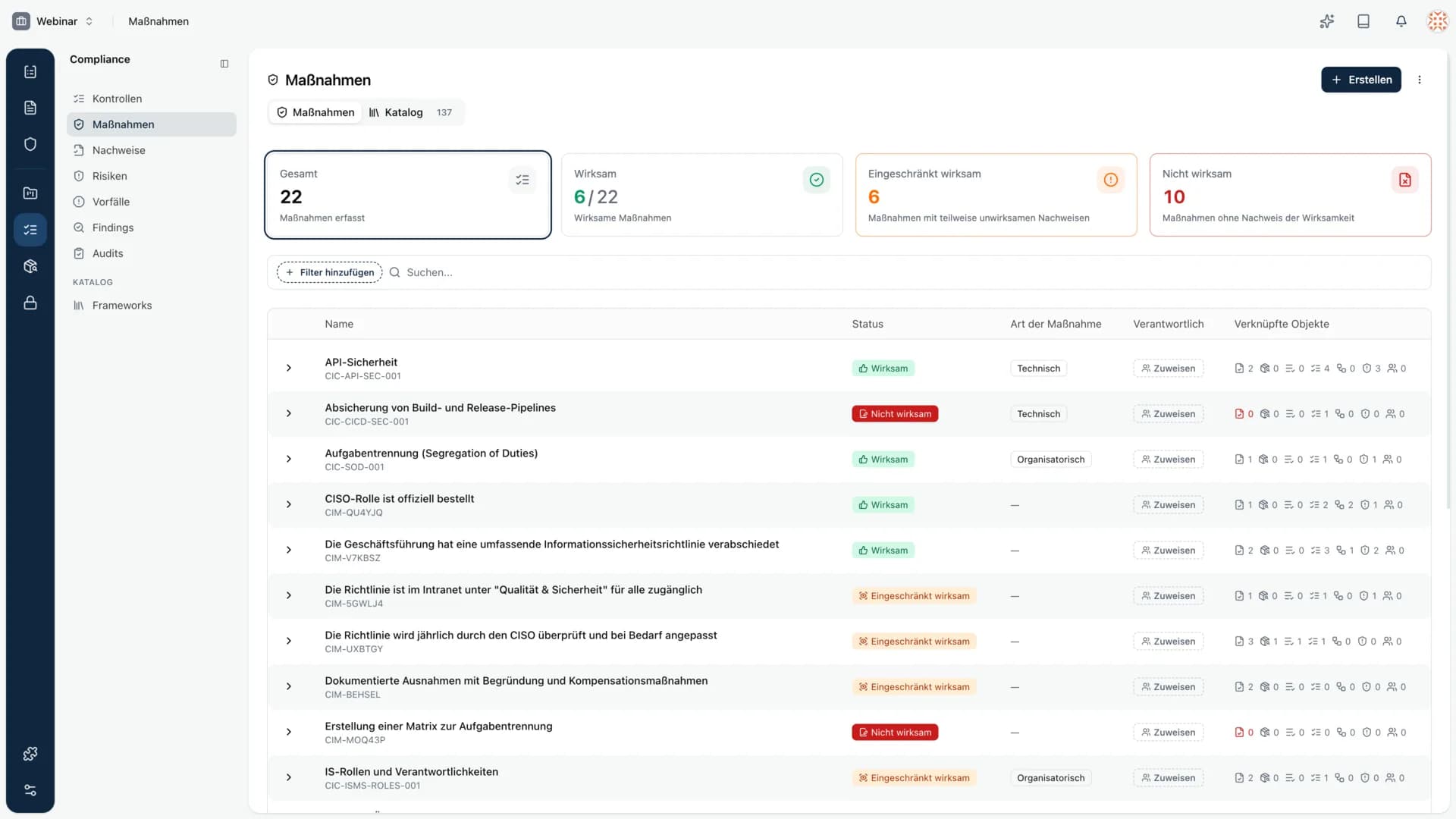
This release is broad. At its center is evidence, now a first-class object with its own list, a review process, and new sources. Around it, we brought filters into almost every list, expanded the asset import, and reworked the entire navigation.
Evidence is now its own object
Evidence gets its own list view, filters included. You see every record in one place instead of reaching it only through the control it belongs to.
It comes with new sources and states:
- URL as evidence. You can record a URL directly as a piece of evidence, without uploading a document.
- Placeholder evidence. You can create an evidence record before the actual proof exists. For exactly this case there is the new Proof missing status.
- Review process with an owner. Every evidence record now has a review process and a responsible person. If the source is a document, the document's values are used.
In return, we removed the Partially invalid status. The clearer Proof missing for placeholders takes over its role.
Measures and evidence, better connected
From a measure, you can now also link existing evidence. You no longer have to create a new record for every measure, you reuse what is already there. A single piece of evidence can be linked to several measures.
Filters in almost every list
This is the second big theme of the release. List views can now be narrowed down far more precisely.
- Measures: has risks, open findings, open tasks, by task status, overdue tasks, automation level.
- Risks: controls, risk and residual risk assessed or not assessed, open findings, open tasks, incidents, review overdue, review interval. Plus date filters for created on and next review.
- Tasks: label filter and date filters for due date and start date.
- Documents: filters for next review, last reviewed, created on, approver, review interval, status, and review.
- Assets and information assets: CIA(A) filters in the list views.
Framework detail with search
The framework detail now has a search for controls and groups, so you can move through large catalogs quickly. It also shows all groups now, not just the first twenty.
Asset import expanded
The asset import gets value mapping and a selectable import strategy. After the import you get a summary of what was applied. In the asset list, an active type quick filter is now carried over when you create a new asset.
Dates with a new date picker
Tasks and milestones now use the new date picker. You can set dates beyond 2026 and enter them by keyboard. Milestones can be edited reliably again.
Records of processing activities
Records of processing activities with processors in a third country are now flagged in both the list and the detail view. You can also set the responsible person and deputy directly from the list view, without switching to the detail page.
Complete UI facelift
Navigation and sidebar received a consistent facelift. The structure is calmer, the hierarchy clearer, and the path to your daily work areas shorter.
Smaller stabilizations
- Risks: when you create a risk, the selected assets are now carried over reliably.
- Assets and information assets: status and CIA are now recalculated correctly when linked risks, controls, or measures are deleted.
- Information assets: confidentiality now shows the correct value in the list.
- Import: the CSV import now runs reliably on Windows too, and unusual version numbers are handled cleanly.
- Documents: document folders now reliably show the correct number of documents.
- CIA: translations corrected and the CIA history drawer tidied up.