News
ConnectWise/SkyKick: Your backup is there. Can you actually restore it?
What the ConnectWise Cloud Backup interruption means for Microsoft 365 customers: assess tenant investigation, backup gaps and recovery separately.

A backup can remain intact and still be unavailable when it matters: when access to restoration fails. The interruption of ConnectWise Cloud Backup, formerly SkyKick, exposes this dependency. IT teams face two parallel tasks: investigate their Microsoft 365 tenant and assess the organisation’s ability to recover.
Manufacturer information as of 23 October 2026, 14:00 UTC. The following analysis separates the reported incident from our operational recommendations.
What ConnectWise has confirmed
ConnectWise reports unauthorised access to Cloud Backup application credentials. Its first public notice appeared on 16 October. In its 23 October update, the provider describes ongoing security checks and a phased restart: access to existing backups first, followed by service re-enrolment. The stated timeframe is an expectation subject to those checks, not confirmed availability.
The provider says stored archives remain encrypted, isolated and preserved, with no indication of compromise. This does not give individual Microsoft 365 tenants the all-clear. ConnectWise requires a separate investigation of those tenants and instructs customers to keep affected connections disabled until the relevant restart instructions apply. Current manufacturer status and investigation guidance
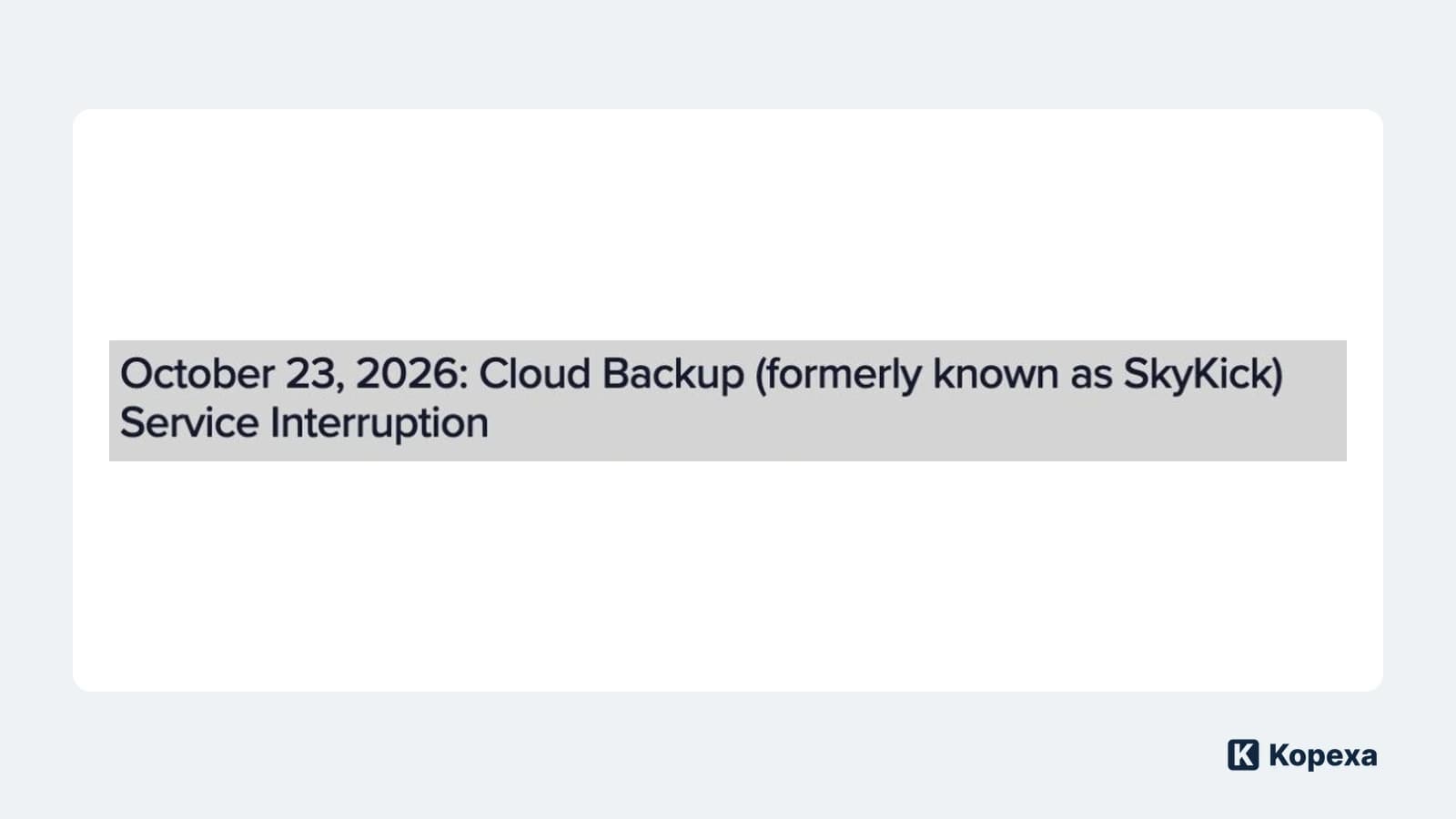
Hero image: excerpt from the original ConnectWise announcement heading, captured on 23 October 2026. The Kopexa logo identifies our editorial analysis.
Establish who is investigating which tenant
A service contract does not establish who is actually doing the incident work. If you administer the environment yourselves, assign someone to investigate. If an MSP manages it, ask for confirmation that your tenant is included in the investigation and who will report findings and unresolved questions to you.
Include former integrations in the review. A terminated contract is not technical evidence that the associated access has been removed. Your access control policy should therefore give application identities a named owner and a documented purpose too.
ConnectWise provides technical investigation guidance. Use its current version for the actual incident response. Disabling a connection does not automatically reverse changes already made in the tenant. This requires investigation by the responsible administrators or incident responders, beyond closing a supplier ticket.
Three answers instead of a green backup status
For your operational decision, record three points separately:
| Question | Useful evidence | Decision it informs |
|---|---|---|
| How recent is the last usable backup? | Timestamp and scope of the backed-up data | What data could be lost if another outage occurs? |
| Can we actually restore from it? | Tested access and restoration results | Is the agreed recovery objective still achievable? |
| Are new backups being created again? | A successful new job with its scope verified | Is the backup gap still growing? |
The answers may differ. A preserved archive does not resolve a failed restore. An accessible portal does not prove that a backup job succeeded. And a new backup job does not replace checking whether restored data is usable.
This distinguishes the case from the attacks on AhsayCBS backup servers: for operational planning here, access through an external service is a particular concern.
Decide what is tolerable during the interruption
Take a specific business process, such as order processing. Which Microsoft 365 data does the team need? How recent must it be to remain usable? How long could the team operate without restoration? These answers belong in your business impact analysis and continuity plan.
An illustrative scenario to assess, not a statement about affected customers: the last usable backup is three days old, but the business process tolerates no more than one day of data loss. The gap already exceeds the plan, even if the application is still running. Business owners need to know which newly created data would be at risk and which temporary safeguards are possible.
An additional export may preserve some data. It becomes a dependable substitute only once its scope, access protection and restorability have been checked. Uncontrolled copies on personal devices introduce new risks. Record the purpose, storage location, owner and end date of any temporary arrangement.
Approve recovery based on the result
Once the manufacturer has cleared the relevant service, a named person should oversee reconnection. Then verify a new backup job and a representative restoration to an appropriate test destination. Have the business team confirm that the restored content is usable. Document remaining gaps and the next review date.
In Kopexa, you can connect the affected information assets and other assets with their risks and required measures. Attach restoration evidence to the measure. This keeps the basis for recovery approval traceable and shows who owns unresolved work. Technical investigation and restoration continue to take place in the respective systems.
Your next step: Obtain the three answers for one critical process: the last usable data state, restoration actually available and the last successful new backup job. Every missing answer needs an owner and a deadline.
Sources
- ConnectWise Trust Center: Cloud Backup — ConnectWise [Accessed ]