Guide
Microsoft Entra: Prepare passkeys before SMS MFA retires
Microsoft is retiring its own SMS and voice delivery for Entra MFA. Understand the affected user groups and prepare migration, recovery and operational acceptance.
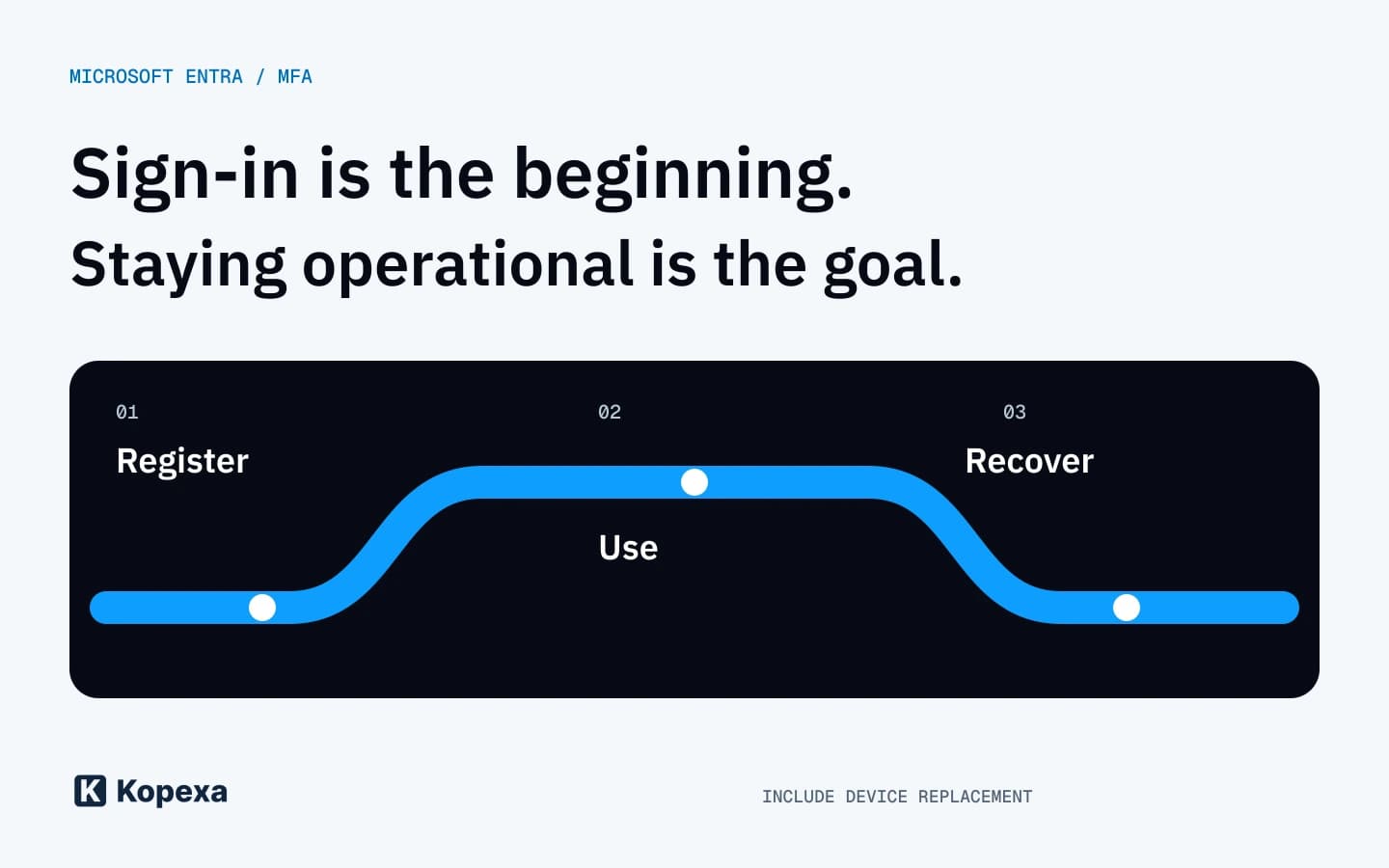

Approving a new sign-in method is straightforward. Finding out whether people can still work after losing a device takes more preparation. That is why Microsoft's SMS MFA transition needs more than an email asking everyone to register a passkey.
Microsoft announced the change earlier. Its FAQ, updated on 26 October, clarifies implementation questions. This article reflects the documentation checked on 30 October 2026; the operational workflow below is our recommendation.
What Microsoft Entra is actually retiring
The change concerns Microsoft-provided delivery of SMS messages and voice calls for Entra authentication. It does not end every SMS sign-in or disable all other MFA methods.
The vendor's public-cloud schedule distinguishes two groups:
| Date | User group |
|---|---|
| 1 February 2027 | Users other than Global Administrators and external users; internal guest accounts fall under this date. |
| 1 July 2027 | Global Administrators and external users. |
Other cloud environments have separate timelines. Azure AD B2C is outside this transition. These boundaries matter when your organization operates several identity services.
Microsoft also describes continuing SMS and voice through a configured telephony provider. The FAQ describes provider selection in Microsoft Security Store from 30 October, initially involving providers in private preview. Check availability in your tenant before making an operational commitment.
Understand the current setup before changing the method
A list of registered phone numbers is not enough. Establish who relies exclusively on the retiring delivery route and which working alternative each person has.
Ask the responsible administrators to review affected accounts by working context: office workstation, shared device, remote work, external collaboration and privileged access. Assign each exception to a specific owner. “IT will handle it” does not provide sufficient accountability.
For example, an employee may successfully use a passkey on a work device but need to sign in again after replacing it. The pilot is meaningful only when that second step also works. A successful login on an unchanged device does not answer the recovery question.
Run a pilot with explicit acceptance criteria
Cover the relevant working contexts. Before starting, define the expected outcomes and who confirms them:
| Check | Result to record |
|---|---|
| Registration | The intended person can register the approved method on their device. |
| Daily use | Sign-in works for the applications they actually need. |
| Device loss or replacement | The agreed recovery route is tested and known to support staff. |
| Privileged access | Administrative and emergency access remains usable through the intended procedure. |
| Handover | Employees know where to report difficulties. |
This table is a working aid, not a Microsoft requirement. Add your applications and devices; it does not establish blanket acceptance for every workplace.
Assess other MFA methods deliberately
Microsoft says methods such as TOTP remain supported. They do not satisfy a phishing-resistant authentication requirement. Being supported and meeting your protection needs are separate questions.
The FAQ's mandatory passkey registration particularly concerns accounts whose only MFA method is the retiring Microsoft telephony delivery and which have not been moved to a suitable provider. It does not mean that every Entra account must exclusively use passkeys from February.
For an ISMS, the important part is the reasoned decision: which access requires which protection level, who approves exceptions and when they are reviewed. An inventory of enabled methods does not answer those questions.
Make the rollout verifiable
Connect the authentication decision to its policy, administration and support tasks, and documented acceptance. Record the rationale, owner and next review date for exceptions.
In Kopexa, you can bring this organizational work together through requirements, measures and evidence, and distribute the revised policy through Workforce Hub. Entra configuration and technical testing remain the responsible administrators' tasks. To discuss your workflow, bring a specific access scenario and a difficult recovery case.
Quick answers
Frequently Asked Questions
Still have a question? Find the answers here.
Is Microsoft Entra disabling every SMS sign-in?
No. Microsoft is retiring its own SMS and voice delivery. The documentation describes continuing through a configured telephony provider. Check availability and conditions for your tenant.
Must every employee exclusively use passkeys from February 2027?
No. Other supported MFA methods remain available. The specific mandatory passkey registration requirement depends, among other things, on whether an account relies exclusively on the retiring Microsoft telephony delivery and whether a suitable provider has been configured.
What should a pilot test beyond registration?
Test the required applications, device replacement, recovery, and administrative or emergency access. Record results and outstanding exceptions, and identify the responsible support team.
Sources
- Retirement of Microsoft-provided SMS and voice authentication — Microsoft [Accessed ]
- SMS and voice retirement FAQ — Microsoft [Accessed ]