News
WordPress update-process flaw: What to verify now
WordPress 7.1.4 fixes a flaw during Core updates. What operators and agencies should verify about the running version and completion of the update.
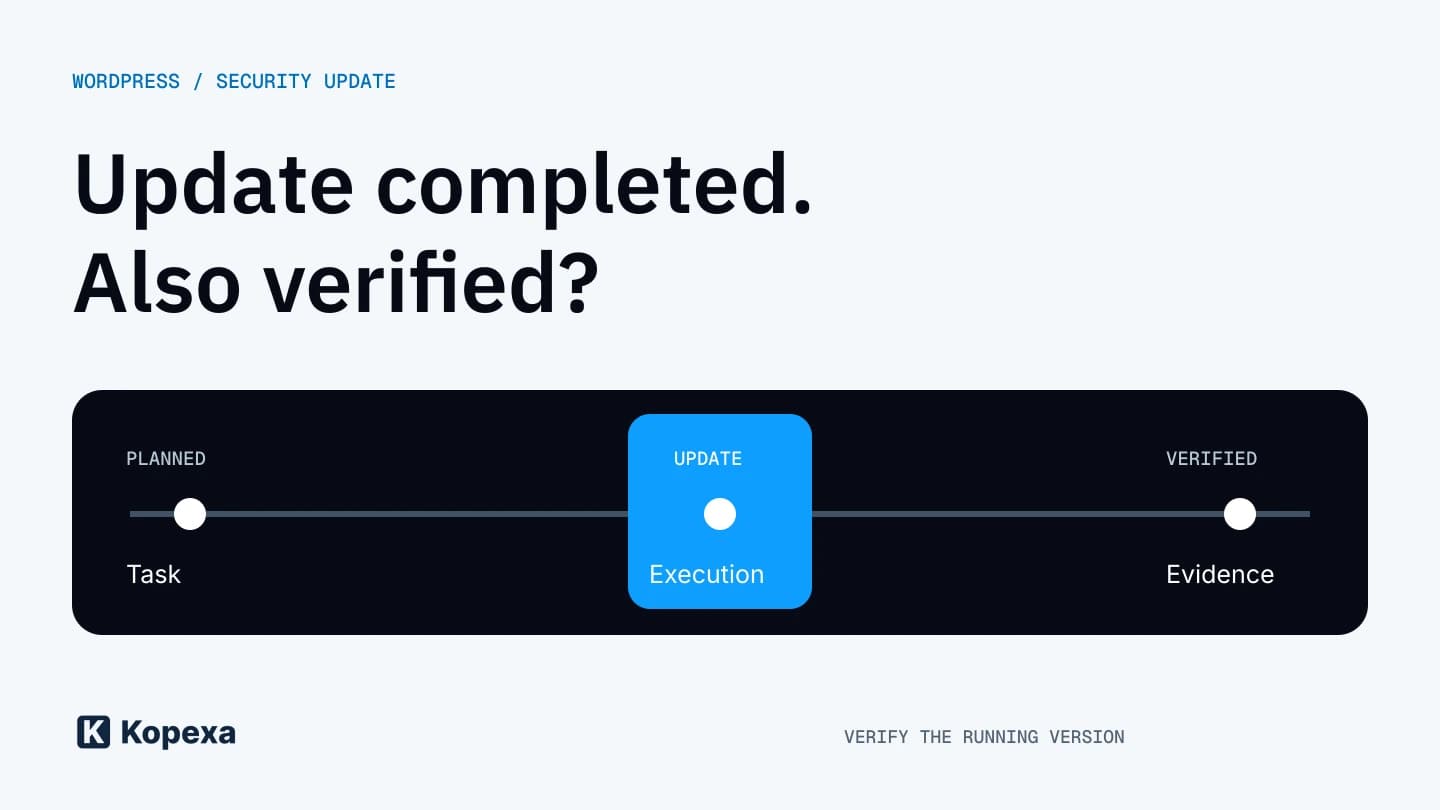

Your agency operates the company website. Who confirms the security update actually finished? The latest WordPress release makes that question particularly tangible: one of the fixed weaknesses affects the update process itself.
Sources checked on 30 October 2026: the vendor release and Wordfence’s technical assessment. Recommendations for working with operators are our editorial assessment; we have not conducted an exploit test. German is the editorial source version.
What WordPress fixed
WordPress 7.1.4, released on 28 October, fixes multiple security issues, including potential code execution during a Core upgrade. The vendor recommends updating immediately.
Wordfence describes a race condition: during a full-package update, a temporarily web-accessible installer copy may be attacked. Success requires several conditions and a narrow window. Automated attempts are already being observed. Attempt counts are not counts of successfully compromised websites.
That is not a reason to suspend updates. It is a reason to take their controlled completion seriously.
Keep three states separate
Our assessment is that three distinct questions help with an externally managed site. Was the update requested? Is the fixed version running? Was the site checked afterwards?
A completed task does not automatically establish the second or third point. Confirmation needs to identify the actual installation, especially when an agency manages multiple sites, test environments and older instances.
| State | Suitable evidence |
|---|---|
| Update planned | Responsible operator and agreed execution time. |
| Update performed | Verified version of the specific instance and the time of verification. |
| Operation checked | Functional check result and any outstanding anomalies. |
This does not require a lengthy report for every small website. A short, precise response is usually more useful than a screenshot without a URL, time or connection to the installation concerned.
What to establish with the operator now
Ask the responsible operator to compare the running Core version with current vendor guidance. For older branches, the corresponding security release needs to be checked; the newest mainline version number alone is insufficient.
Agree who confirms completion and which functions will be tested. A site with a contact form, for example, needs a controlled form check. An accessible homepage does not show whether enquiries still arrive after an update.
The technical operator should also assess whether the update route needs additional safeguards. Generic configuration changes without knowledge of the hosting environment would be poor guidance. Equally, waiting for perfect additional protection should not become a reason to leave the recommended security update pending.
When an update becomes an incident review
A missing update is an outstanding technical task. Unexplained changes, unknown accounts or a specific suspicion of unauthorized activity are a different matter. Those require investigation and a traceable decision on the next steps.
Our recommendation is to separate completion of an update from assessment of an incident. Record which observation raised concern and who is investigating it. A successful functional check cannot retrospectively establish whether someone previously had access.
The Incident Report can help prepare that record, covering responsibilities, the timeline and unresolved investigation questions. It does not replace technical forensics.
What should remain after the patch
Many businesses have a website operations contract but no established process for security notices. Who reads the notice, who decides when work is delayed and who reports back? These questions can be settled during normal operation.
In Kopexa, the review can lead to measures with owners and evidence. That is the organizational follow-through to technical work, not an automatic repair of WordPress. We discuss a related issue in PHP2Shell and returning legacy systems to operation.
The verified installation determines completion. An established route from notice to confirmation makes the next incident easier to manage.
Quick answers
Frequently Asked Questions
Still have a question? Find the answers here.
Should I delay updating because of the upgrade window?
No. The vendor recommends updating immediately. Ask the responsible operator to check the intended upgrade route and appropriate security release, then confirm the running version afterwards.
Does every observed request count as a successful attack?
No. A suspicious request is initially a reason to investigate. Confirming a breach requires further findings. Conversely, an absence of anomalies in individual logs does not fully establish that an environment is clean.
What should my agency provide after the update?
Identify the installation clearly, provide the verified version and check time, and report the agreed functional test result. List outstanding anomalies and their follow-up separately.
Sources
- WordPress 7.1.4 — WordPress () [Accessed ]
- WordPress 7.1.4 Patches Unauthenticated Upgrade-Window RCE; Exploitation Attempts Detected After Release — Alex Thomas, Wordfence () [Accessed ]